Get Actually Useful with Hermes Agent
The open-source personal AI agent from Nous Research: it runs real tasks in your terminal and your chat apps, learns skills from experience, and remembers you. From install to power use, with honest trade-offs.
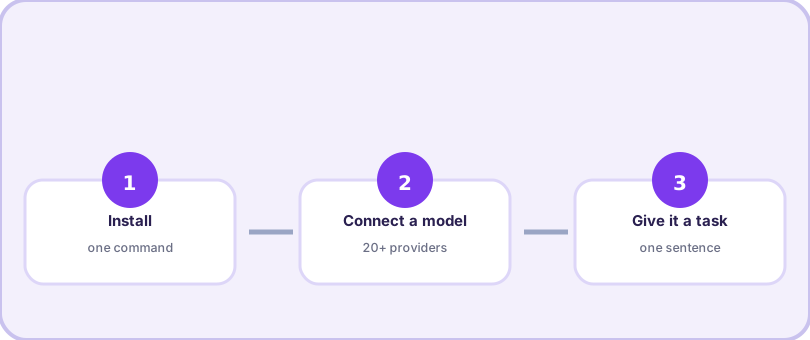
Start: install in five minutes →One command, one wizard, one health check.Start here
Why take setup advice from this site
Because the commands here were typed before they were published. Every walkthrough on this guide was executed on the machines we actually work on — an Ubuntu server, a MacBook, and a Windows desktop that dual-boots WSL — and re-checked when the project shipped new versions. When the official documentation and real behavior disagreed, we wrote what the machines did, flagged it, and moved on. You get the short path without the archaeology: no reading four doc pages to learn that one flag belongs in config and its cousin belongs in the env file.
Who this guide is for
You, if any of these fit: you tried a coding agent and want the same energy for the rest of your work; you live in Telegram or Discord and would rather message an assistant than open a terminal; you want an agent that remembers your setup instead of re-explaining it every session; or you simply refuse to marry one model vendor. Beginners get a straight line from nothing to a working agent. Power users get the skill system, gateway and cron details that official docs spread across a dozen pages. And everyone gets the same promise: if a command here does not work as printed, the correction arrives within days, not never. The guide runs entirely on public information and our own machines — no vendor review, no sponsored picks, and no reason to soften a trade-off.
The short version of everything
| You want to… | Go here |
|---|---|
| Understand what it is | What is Hermes Agent |
| Get it running | Install guide → first task |
| Teach it your workflows | Skills & recipes |
| Use your own model mix | Providers guide |
| Reach it from your phone | Gateway setup |
| Make it remember you | Memory guide |
| Fix something broken | Troubleshooting |
| Compare before committing | vs Claude Code & Codex |